





Crown Games
Shut The Box app icon

Shut The Box Dice game for Apple Watch

Download on the App Store

Free on Apple Watch and iPhone · needs watchOS 10

Roll two dice, shut the numbers, clear the board: the classic pub dice game rebuilt for your wrist.

9
tiles to shut
9
felt tables to unlock
9
dice designs to earn
9
original soundtrack tracks
3
modes plus a Daily Box
0
accounts, sign-ins, or wifi needed

Two dice, nine tiles, one goal: shut them all. Every throw is a small decision, take the easy single or gamble on a combination, and every round you play pushes a challenge forward. Challenges open the next table, the next set of dice, the next track. The rules take ten seconds to learn and a long time to stop thinking about.

Genre
Dice, Puzzle
Session
One round runs about a minute
Players
1 to 2
Controls
Tap · Shake · Digital Crown

Unlock the full version of Shut The Box and every Crown game for $1

Every Crown game is free to download and play. The Royal Pass unlocks the full version of all 5 released games, and your first week costs $1.00, which is $0.20 per game. New games are always around the corner: 0 more are on the way, and each one joins your pass the day it launches.

US prices shown; other countries pay the local equivalent. For new subscribers and anyone whose Royal Pass has expired, once per Apple Account. After the first week the Royal Pass renews at $1.99 a week until you cancel in Settings, at least 24 hours before the renewal date. Payment is charged to your Apple Account. Terms of Use and Privacy Policy.

In play on Apple Watch

On Apple Watch
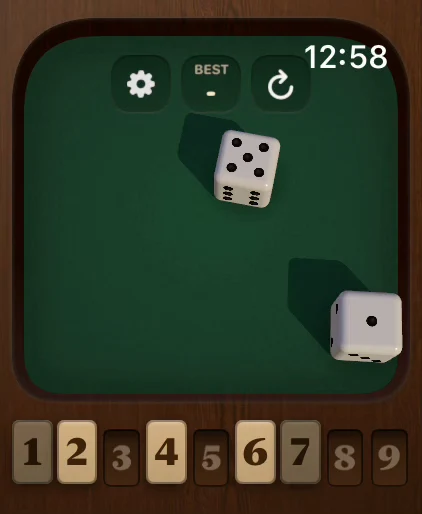
Shut The Box screenshot 1 of 10
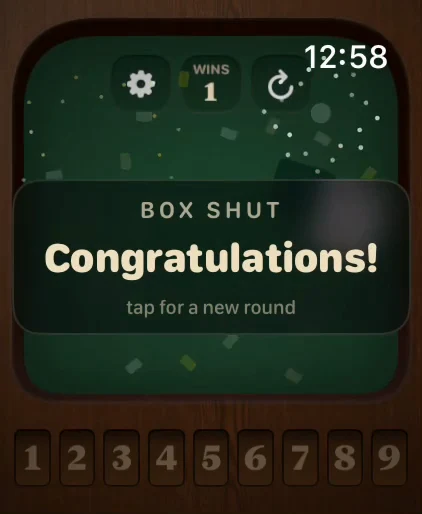
Shut The Box screenshot 2 of 10
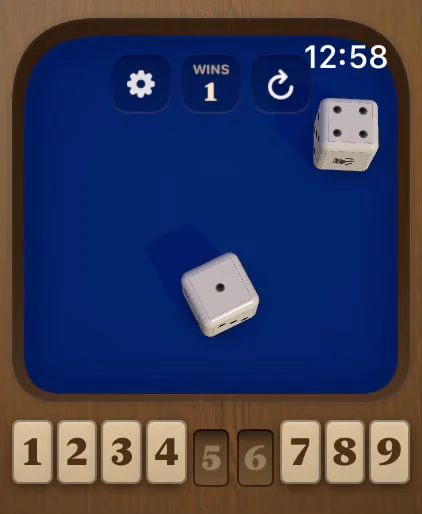
Shut The Box screenshot 3 of 10
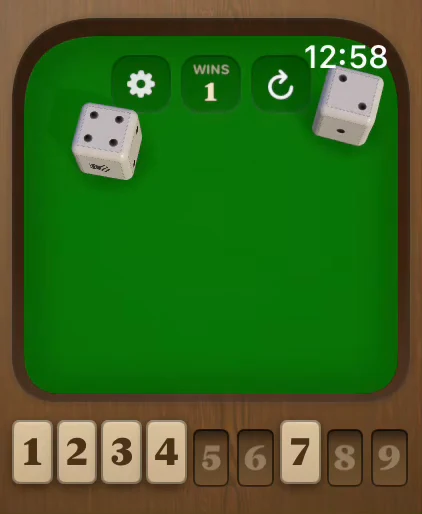
Shut The Box screenshot 4 of 10
Shut The Box screenshot 5 of 10
Shut The Box screenshot 6 of 10
Shut The Box screenshot 7 of 10
Shut The Box screenshot 8 of 10
Shut The Box screenshot 9 of 10
Shut The Box screenshot 10 of 10

The full game on iPhone too

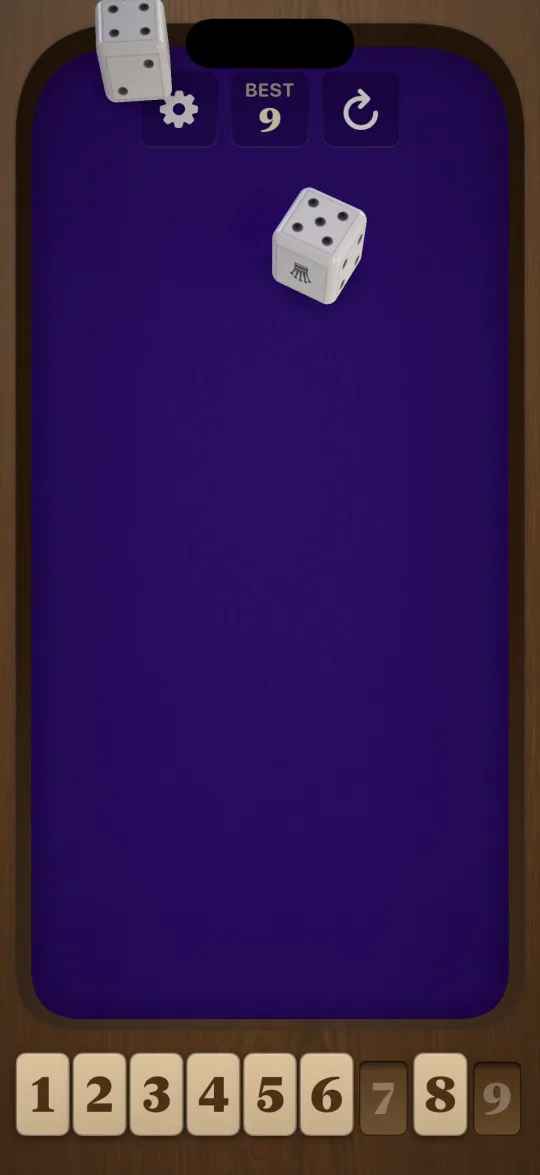
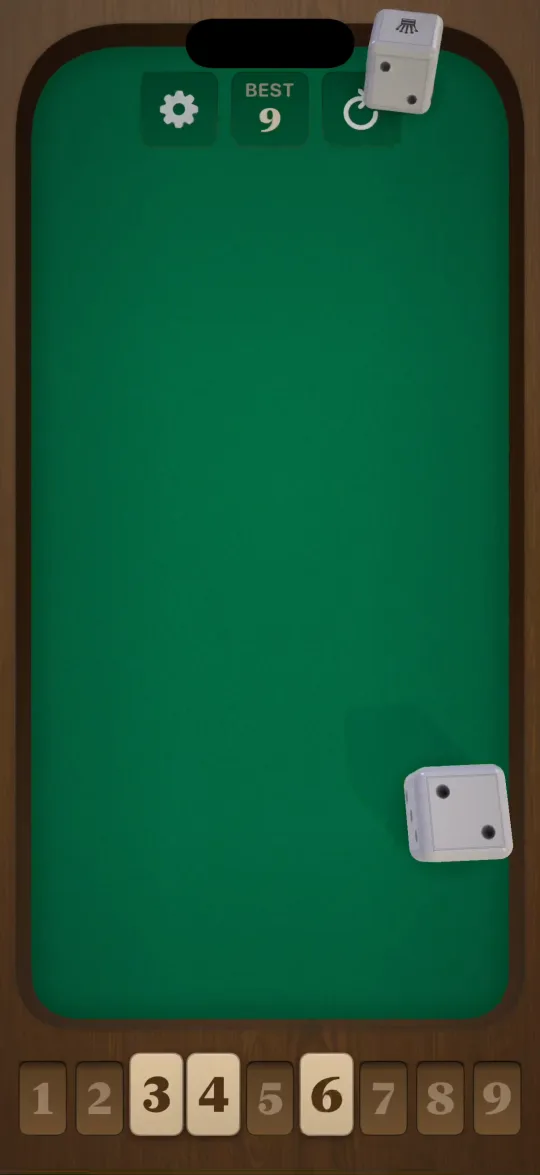
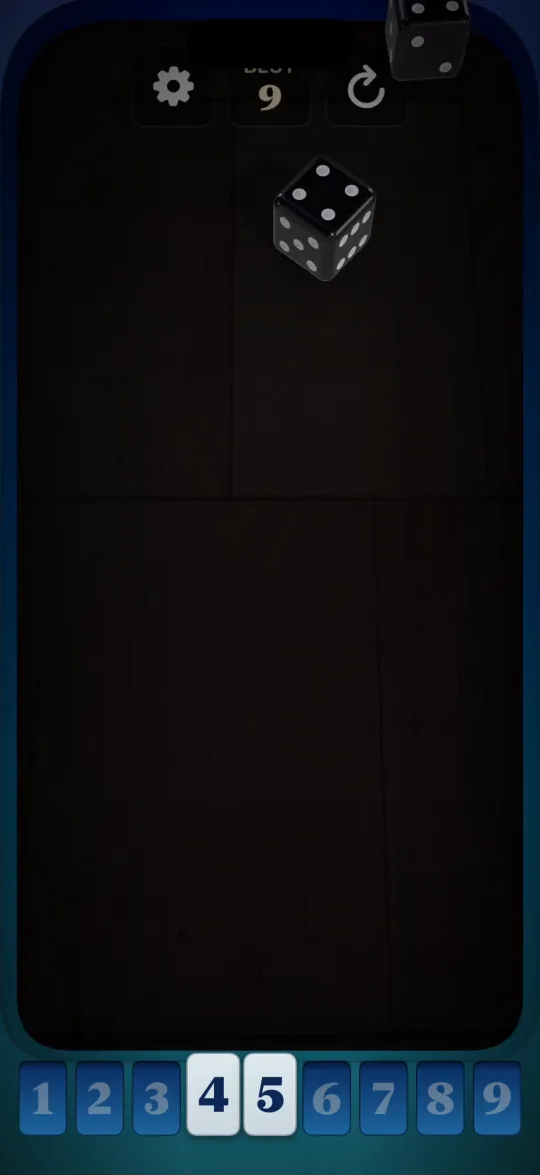
Shut The Box ships as a full iPhone game, not a companion settings screen. The iPhone app runs the complete Apple Watch game on your phone with real 3D dice on a full-size table: the same nine tiles, the same tables, the same challenges, with your progress shared between both devices. It tracks your lifetime stats and best scores and plays the entire nine-track soundtrack. Play on your wrist while the kettle boils, or on your iPhone when you have a proper sit down.

Shut The Box on iPhone

On iPhone
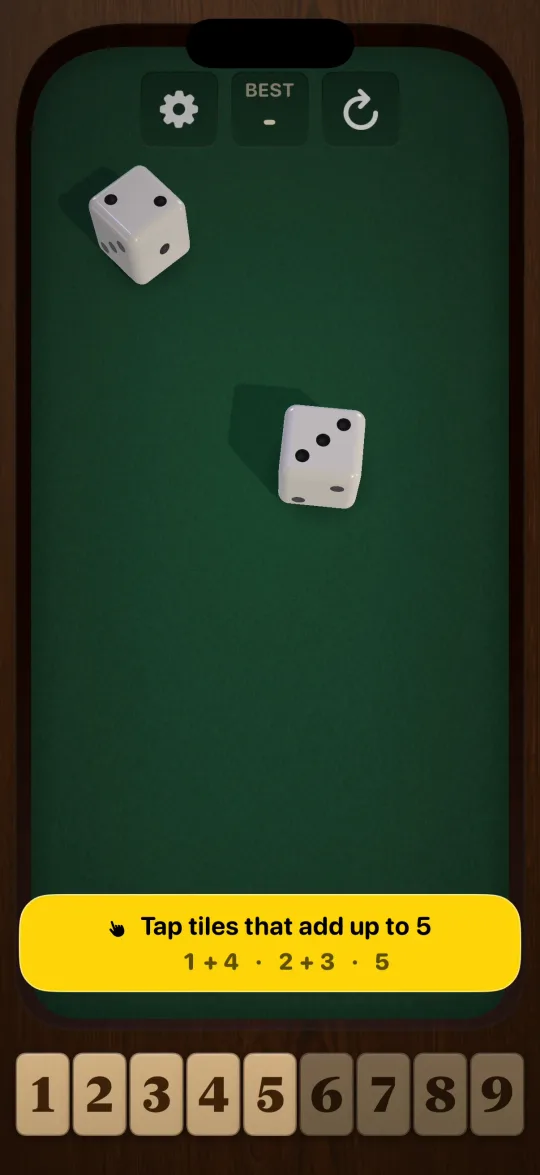
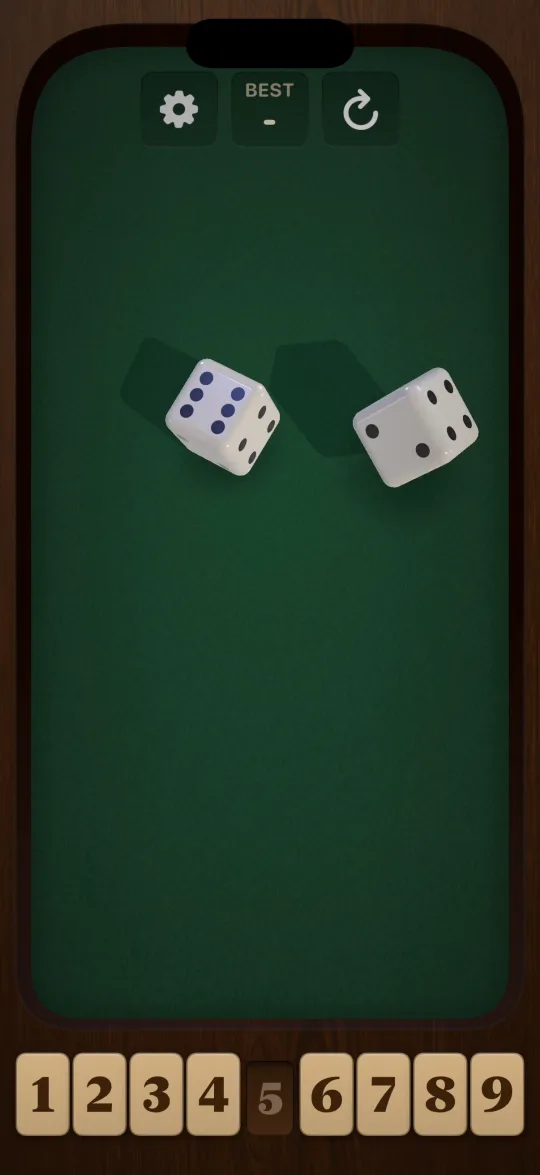
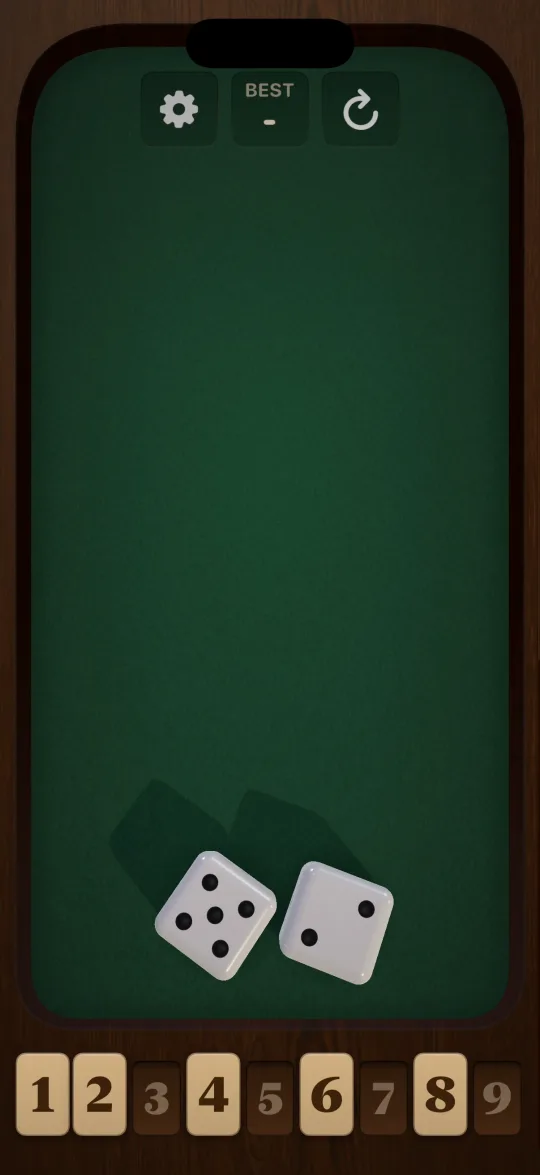
Shut The Box on iPhone screenshot 1 of 8
Shut The Box on iPhone screenshot 2 of 8
Shut The Box on iPhone screenshot 3 of 8
Shut The Box on iPhone screenshot 4 of 8
Shut The Box on iPhone screenshot 5 of 8
Shut The Box on iPhone screenshot 6 of 8
Shut The Box on iPhone screenshot 7 of 8
Shut The Box on iPhone screenshot 8 of 8

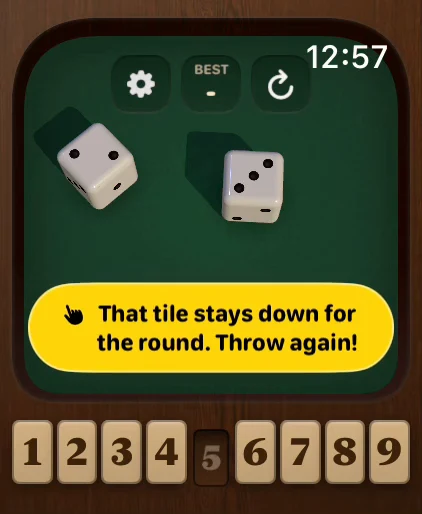
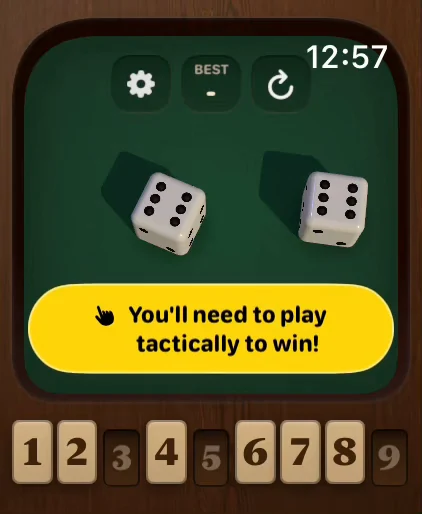
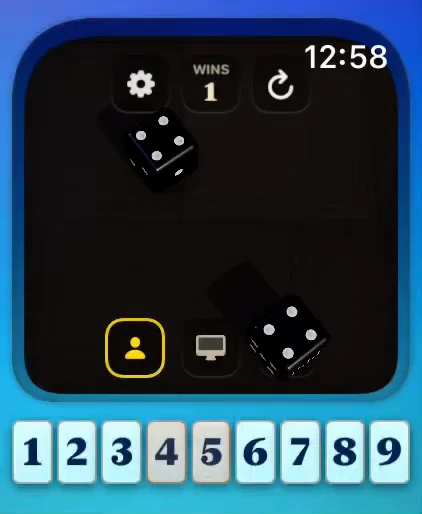
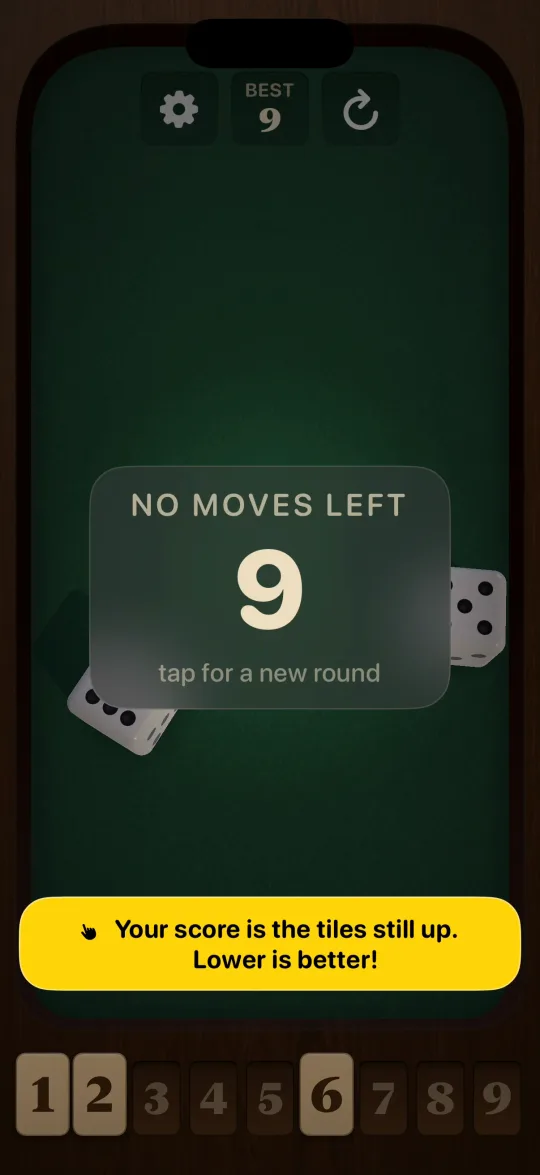
Shut The Box is the traditional pub dice game, built for Apple Watch. Throw two dice, then shut any tiles that add up to the total. Keep going until nothing fits. The tiles you leave standing are your score, and the lower it is the better you did. Shut all nine and you have shut the box.

How Shut The Box plays on Apple Watch

Tap the felt or shake your wrist to throw. Two dice tumble across the table with real physics, and whatever they total you have to make from the tiles still standing. Roll an eight and you can take the 8, or 1 and 7, or 3 and 5. That choice is the whole game. Spend your low numbers early and the endgame gets brutal; hoard them and you will stall in the middle. When no combination fits, the round is over and the tiles left up are your score.

A table that keeps changing

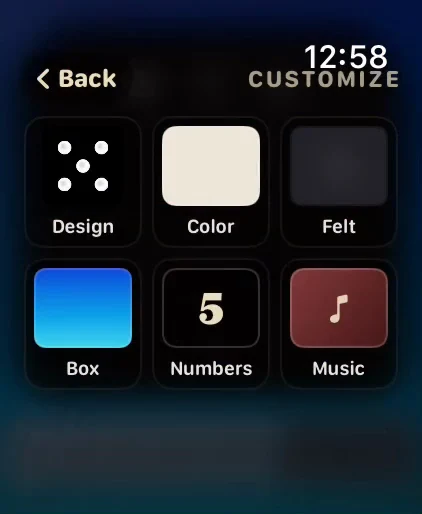
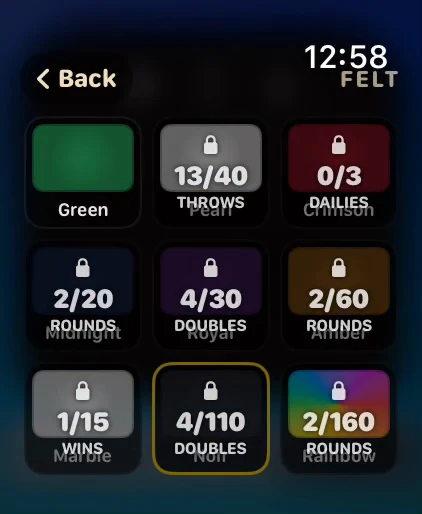
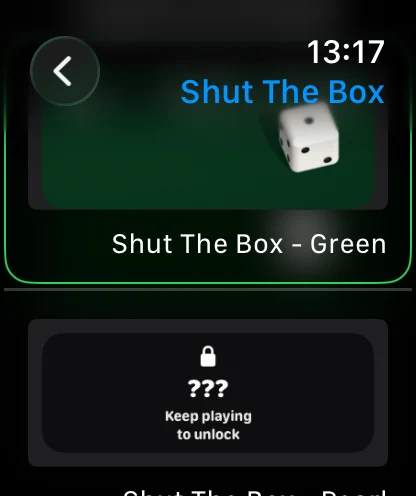
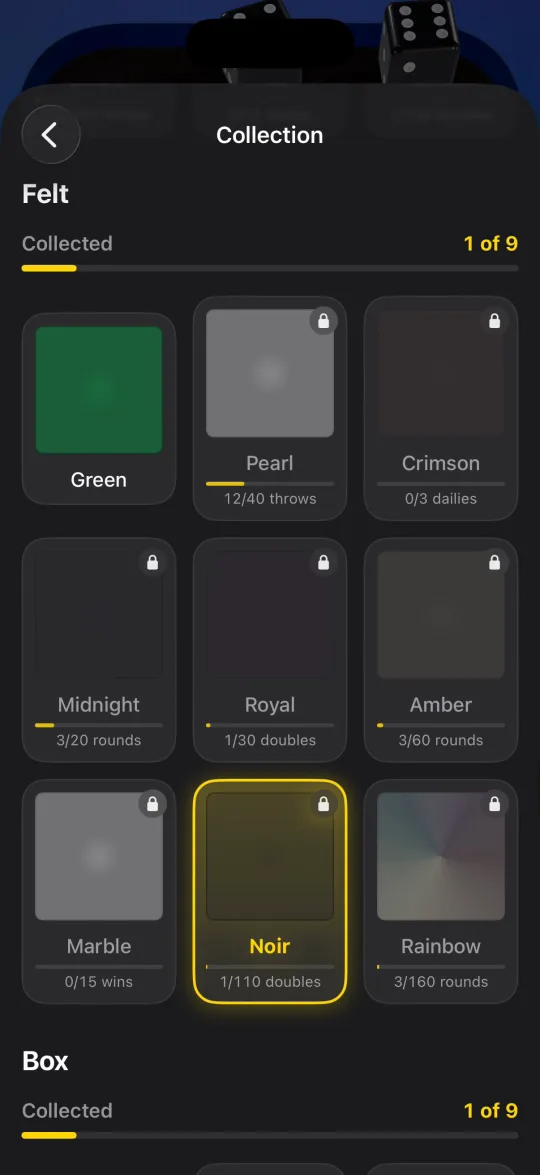
Shut The Box is built around steady progress. Every round pushes a challenge forward, and finished challenges open the next thing: another felt for the table, another set of dice, another wooden box, another track of the soundtrack. You start on plain green cloth with ivory dice, then earn your way to crimson, midnight and royal purple, veined marble, and a rainbow felt that drifts through the spectrum while you play. Nine tables, nine dice designs, nine boxes, all earned by playing.

Three modes and a daily habit

  • Solo: just you and the box, chasing a perfect zero.
  • The Captain: play against the computer, alternating throws until one of you is out.
  • Pass and play: two players, one watch, boards mirrored so you both read yours the right way up.
  • Daily Box: one seeded board every day, the same dice for everyone in the world, with a morning reminder on your wrist.

A real iPhone app, and complications you earn

The iPhone companion is not a settings screen: it runs the whole game with full-size 3D dice, follows your stats, and plays the full nine-track soundtrack. And every table you unlock puts its felt on your watch face as a complication, with two dice resting on it that add up to the current hour. Your watch face tells the time in dice.

Shut The Box plays fully offline with no account and no sign-in. It joins Crown Heist and Soar under one Crown Games subscription: unlock the full version of every Crown Games title, current and future.

Shut The Box app icon

Shut The Box

Roll two dice, shut the numbers, clear the board: the classic pub dice game rebuilt for your wrist.

Dice, Puzzle · Apple Watch · Free, offers in-app purchases

Full version of every Crown game, first week $1

The games are free to play; the Royal Pass unlocks their full versions. Then $1.99 a week, cancel any time. New subscribers and expired passes, once per Apple Account. Code CROWNPASS. Terms apply.

Frequently asked about Shut The Box on Apple Watch

How do you play Shut The Box?

Throw two dice, then shut any tiles that add up to the total. Roll a nine and you can take the 9, or 4 and 5, or 1, 3 and 5. Keep throwing until nothing fits. The tiles still standing are your score, so lower is better, and shutting all nine is a perfect round.

How much content is in Shut The Box?

Nine felt tables, nine dice designs, nine wooden boxes, plus dice colours and numeral styles, a nine-track original soundtrack, and a complication for every table you unlock. All earned by playing.

What game modes does Shut The Box have?

Three: Solo, the Captain (against the computer, taking turns), and Pass and play for two people on one watch. On top of that, a Daily Box gives everyone in the world the same seeded board once a day.

Does Shut The Box work on iPhone too?

Yes, and not as a settings screen: the companion app runs the whole game on iPhone with full-size 3D dice, tracks your stats, and plays all nine soundtrack pieces. Progress is shared between your watch and your phone.

Does Shut The Box need an internet connection?

No. It plays fully offline, with no wifi, no account, and no sign-in, ever.

Is Shut The Box free?

The classic nine-tile game is free forever, and so is the Daily Box, every day, along with everything you earn from playing it. The full game unlocks the rest: the Hard and 12 Tiles rulesets, every table, every set of dice, and a second attempt at each Daily Box. Everything stays earnable by playing; the full game removes the wall, not the climb. One subscription covers every Crown Games title.

Can I unlock the full version of Shut The Box for $1?

Yes. Shut The Box is free to download and play, and the Crown Games Royal Pass unlocks its full version along with every other Crown game. New subscribers, and anyone whose Royal Pass has expired, get the first week of the pass for $1.00 with App Store offer code CROWNPASS (US price; other countries pay the local equivalent). After the first week it renews at $1.99 a week until cancelled. Redeem link: https://apps.apple.com/redeem?ctx=offercodes&id=6798232971&code=CROWNPASS

More Apple Watch games from the studio

Every Crown game is made by one developer. Meet the studio.

Crown Heist app icon

Crown Heist

Crack safes, dodge traps, loot a fortune: the deepest heist game built for Apple Watch.

Download on the App Store View →
Soar app icon

Soar

Hold to dive, release to fly: a momentum flying game that turns one tap into a world of 17 biomes.

Download on the App Store View →
Crown Jack app icon

Crown Jack

Blackjack reborn for the wrist: a full hand in seconds, no chips, no betting.

Download on the App Store View →